How to Invest in GCash IPO thru GStocks?
Timeline for GCash IPO:
Oct 1—Book-building priced
Oct 6-12—Offer period
Oct 20—Listing (start trading in PSE)
Register in GStocks
Firsly, you need to create an investment account in GStocks.
1. Open GCash app and click GStocks.
2. Select the Broker AB Capital Securities Inc.
3. It will redirect you to investatrade.
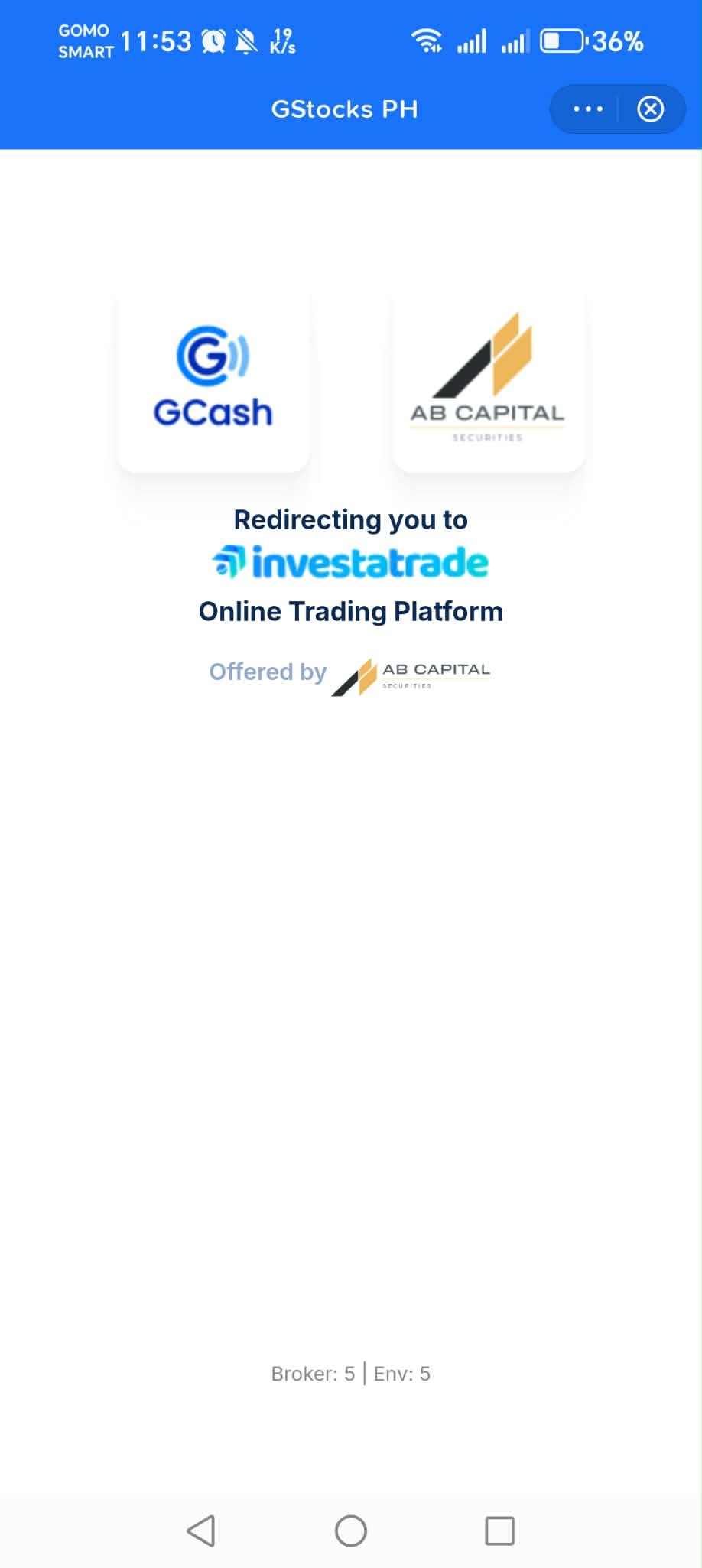
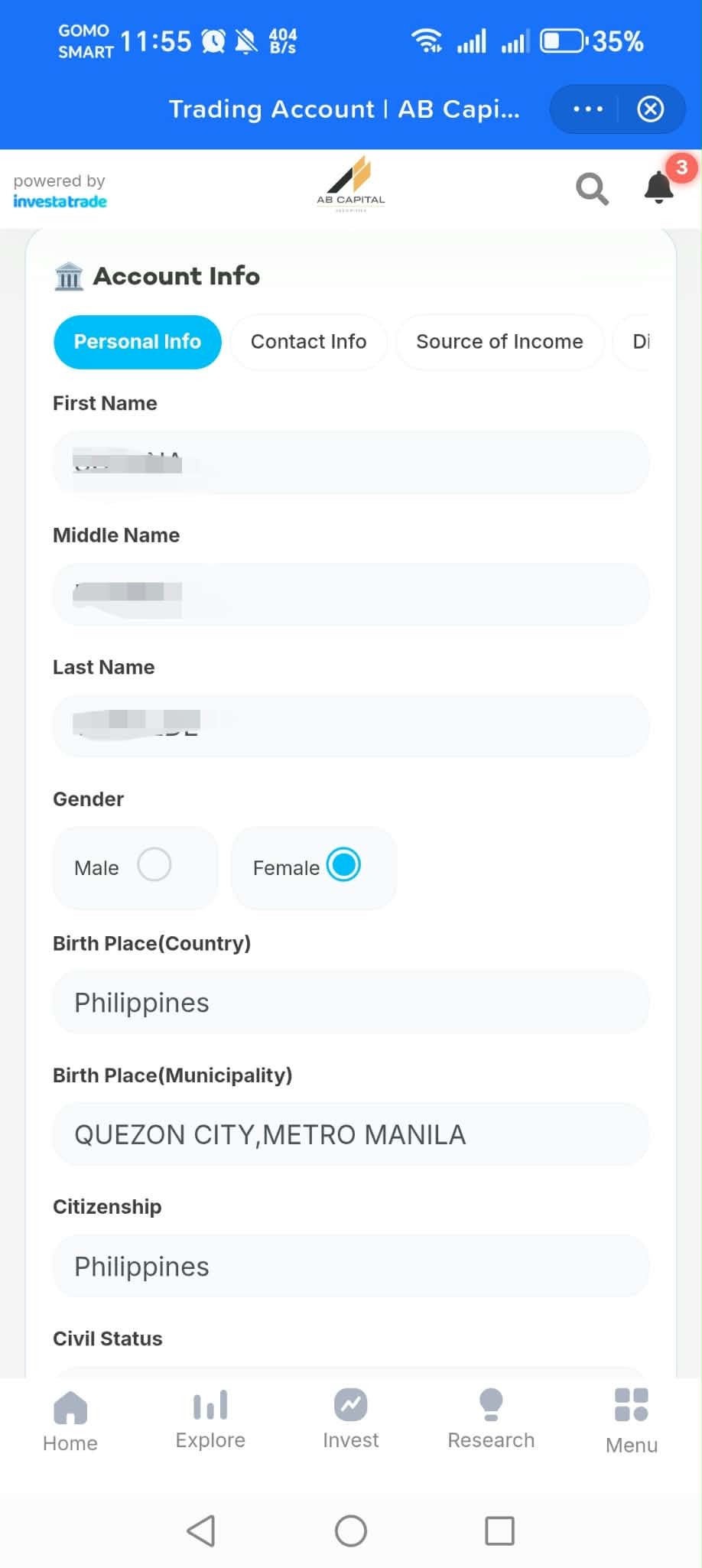
4. Review or edit your personal information.
Add Funds
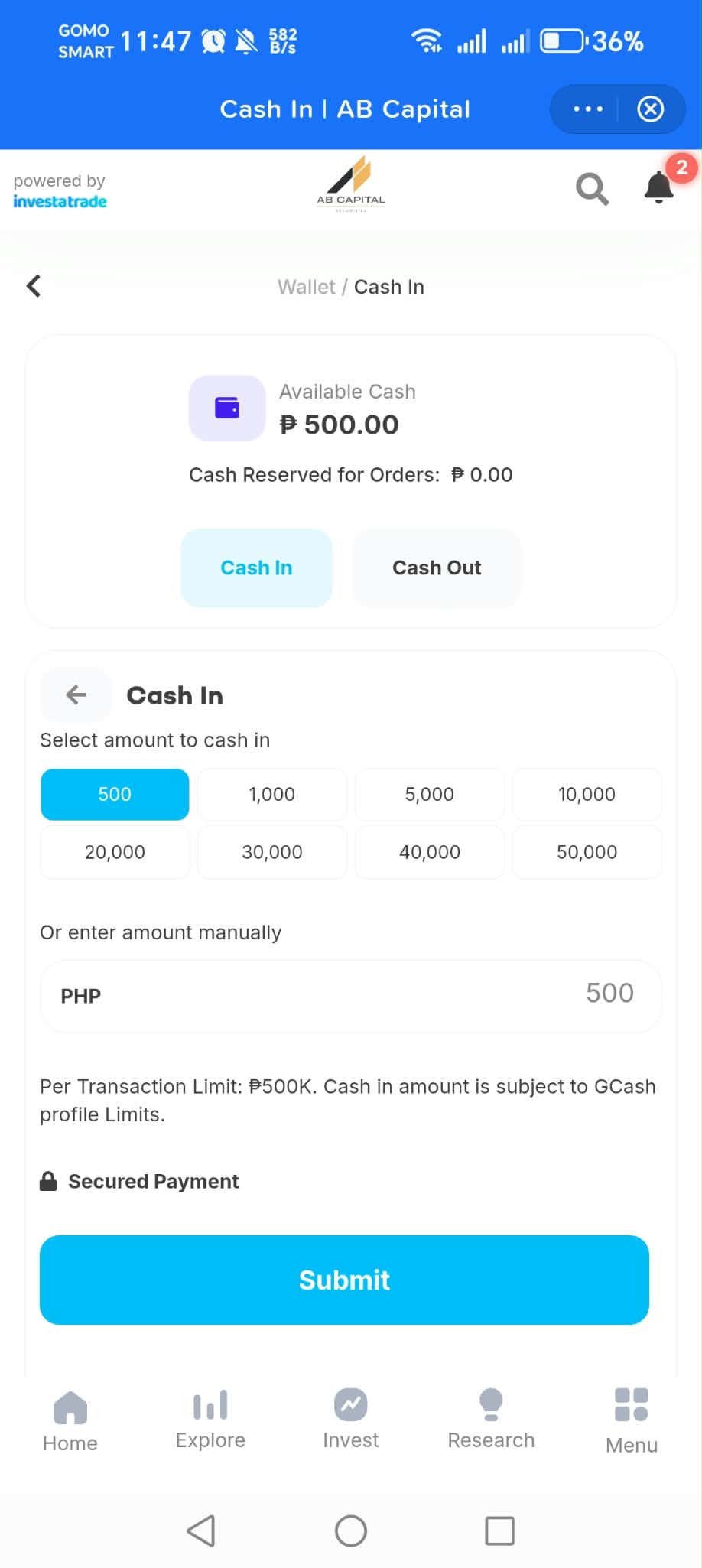
Before you can invest in stocks, you need to fund your account by cashing in from GCash.
For GCASH IPO, the minimum stocks to purchase is 100 shares. So, cash in at least ₱1,000 (assuming IPO price is at ₱10).
1. To cash in, select amount or enter amount manually then click Submit.
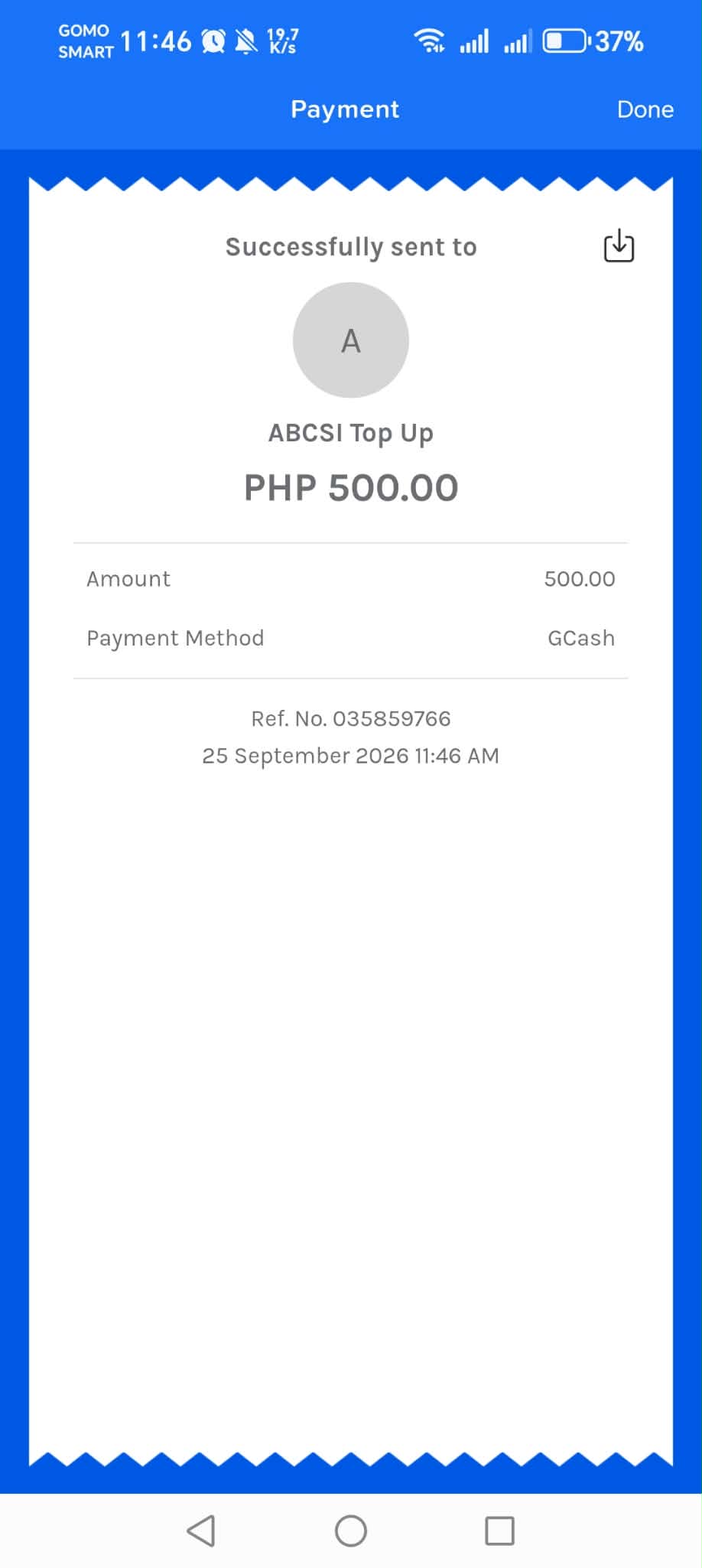
2. You'll be redirected to GCash to process the top up.
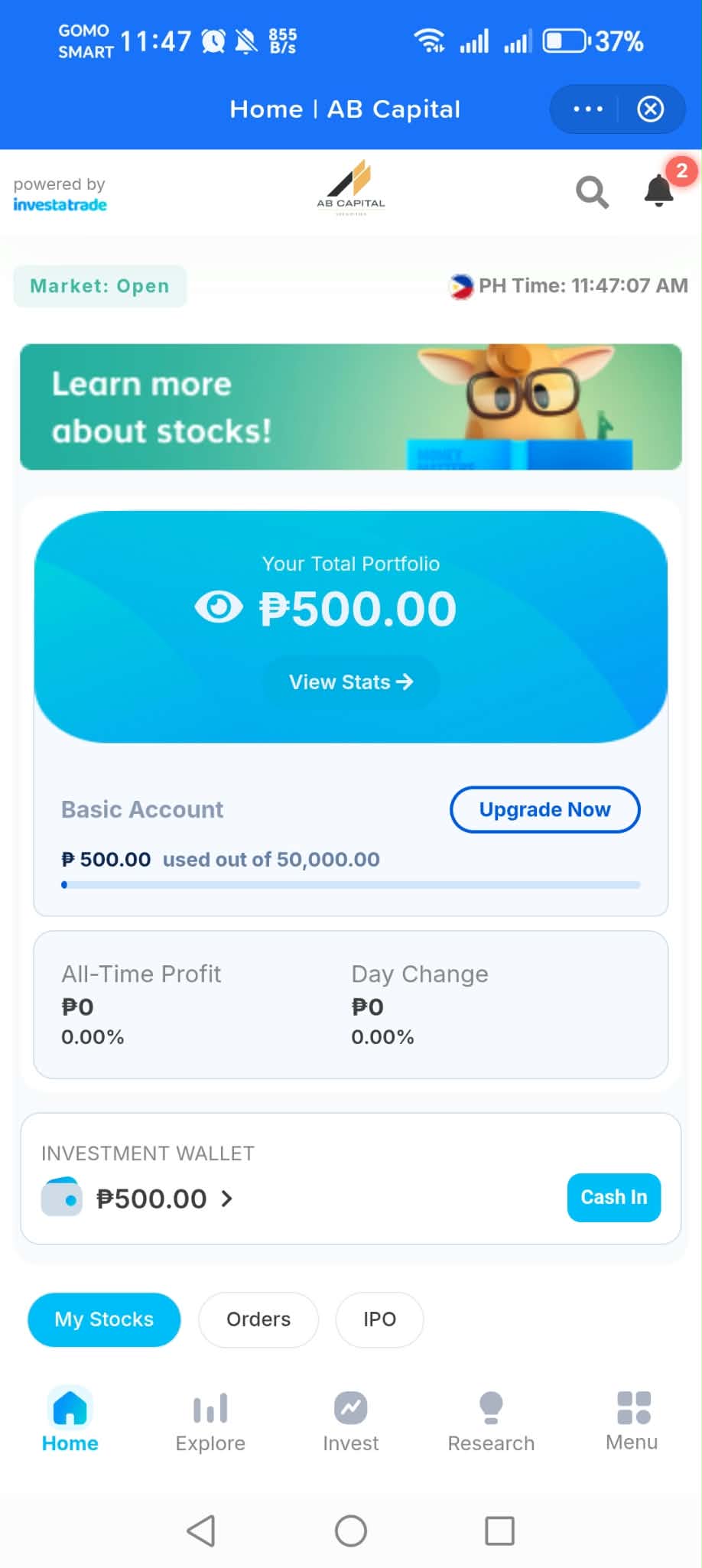
3. Amount cashed in will automatically be shown in your Total Portfolio.
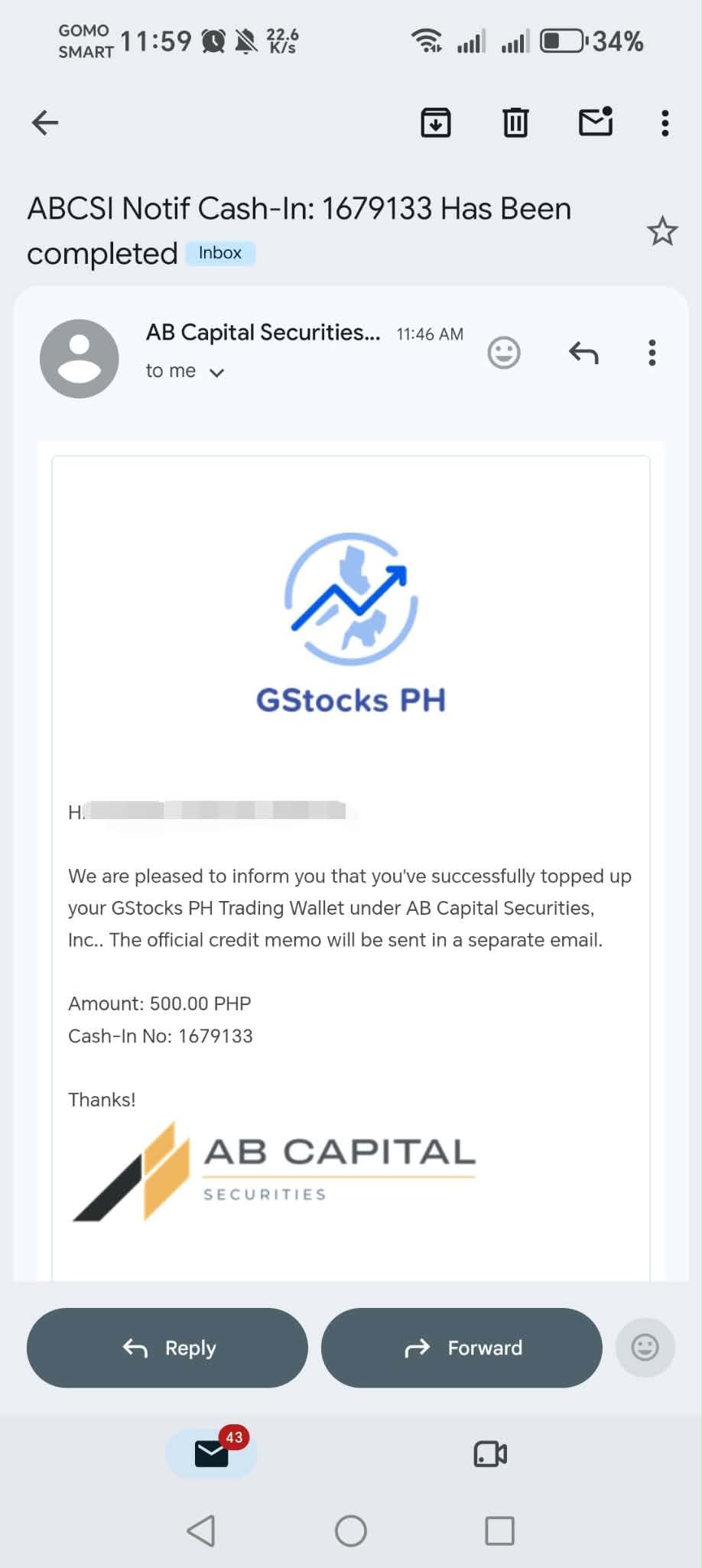
4. You'll also receive an email notification.
Buy IPO stocks
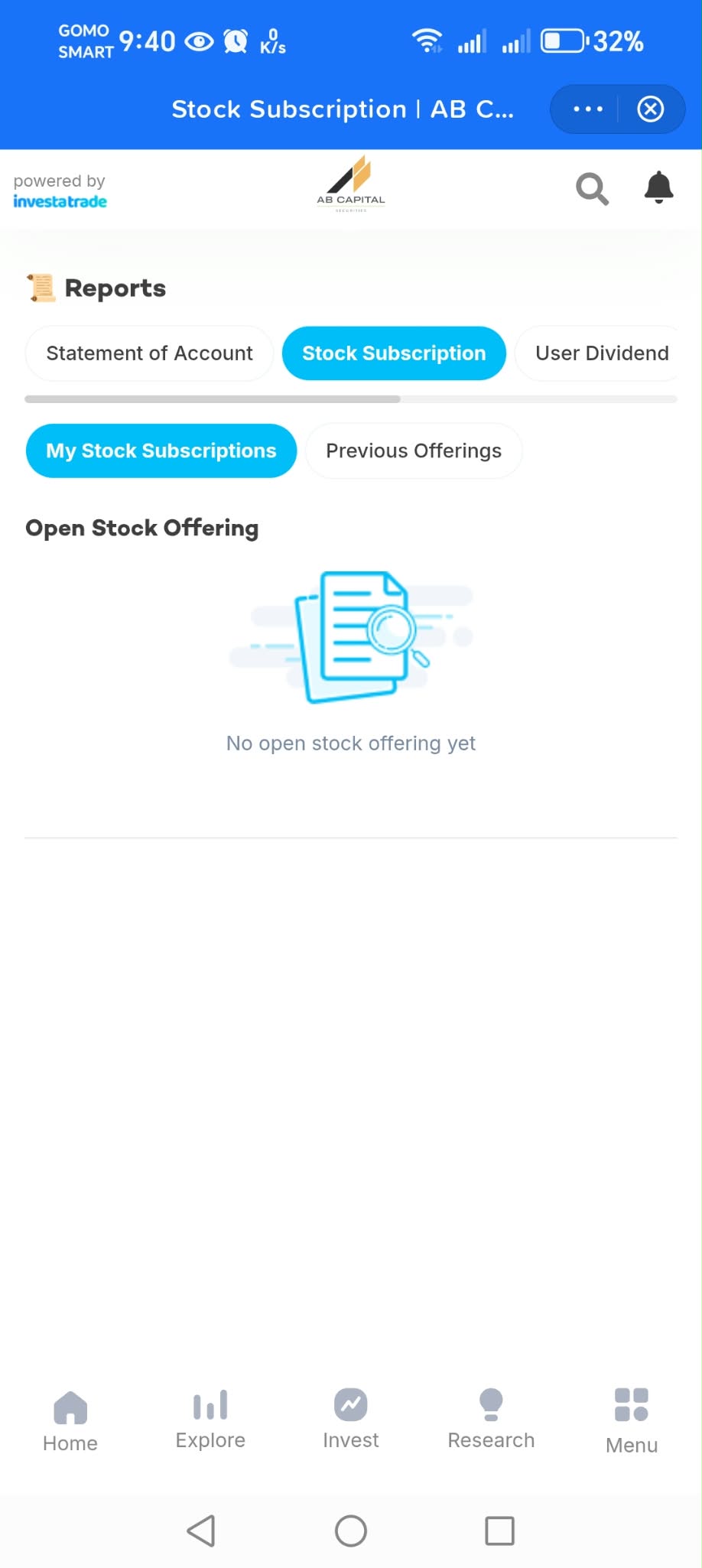
1. Go to Home then IPO and click Subscribe Now.
2. You'll be redirected to Open Stock Offering.
Investing involves risk. Past growth does not guarantee future performance. The price, prospectus, financial results, market conditions and your personal circumstances and risk tolerance should be considered before investing. This article is for educational purposes only and is not personalized investment advice.